Main Configuration
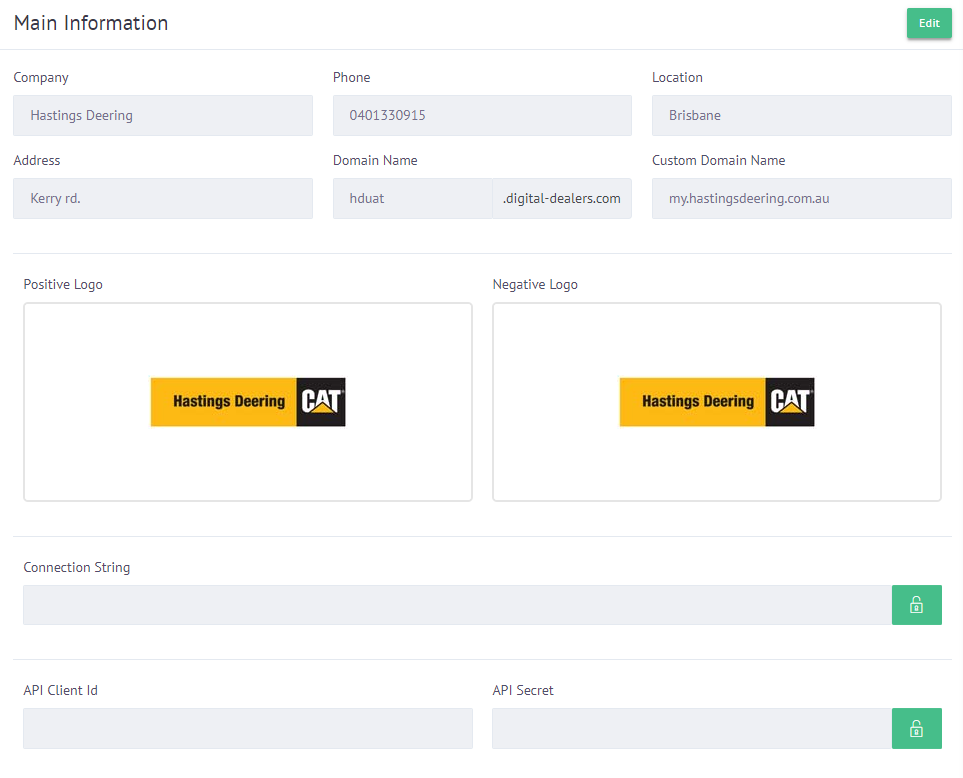
Here you can modify the main information of the company and its main page.
Configuration
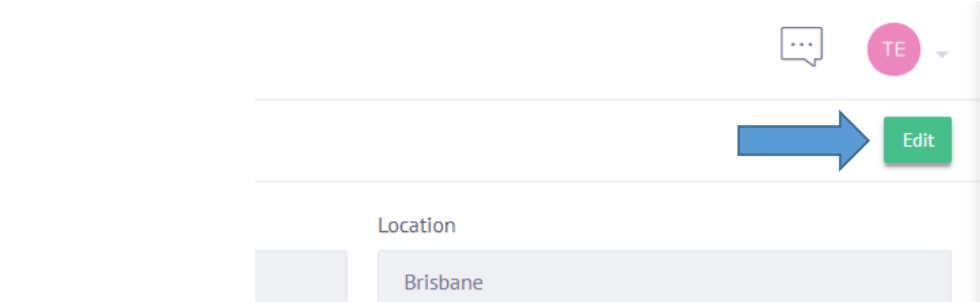
To start editing you must click on the edit button in the upper right corner.
The fields will be unlocked to enter information such as:
- Company name
- Phone
- Location
- Address
- Custom domain name
- Logos
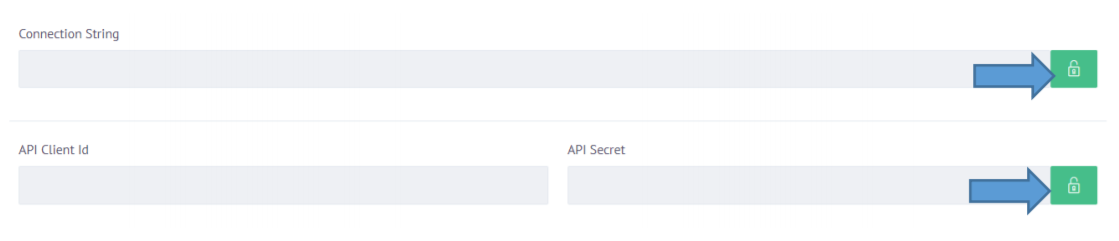
You can also see the connection string, API Client ID and Secret API by clicking on the green lock icon to the right of these.
Finally, you can modify the landing page of your platform, by clicking on the Theme Editor button in the upper right part of the window.
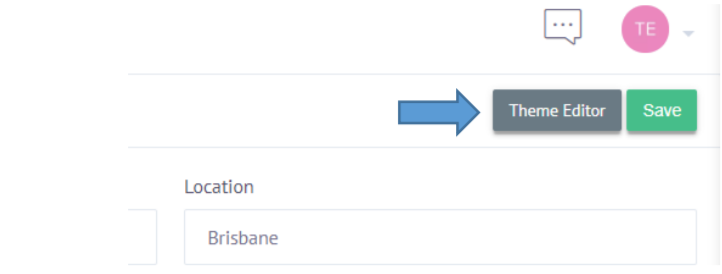
When clicking, the following view will appear.
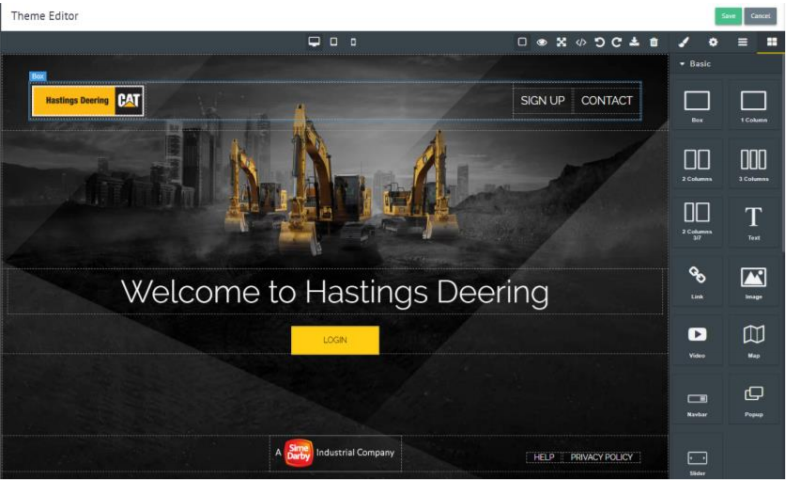
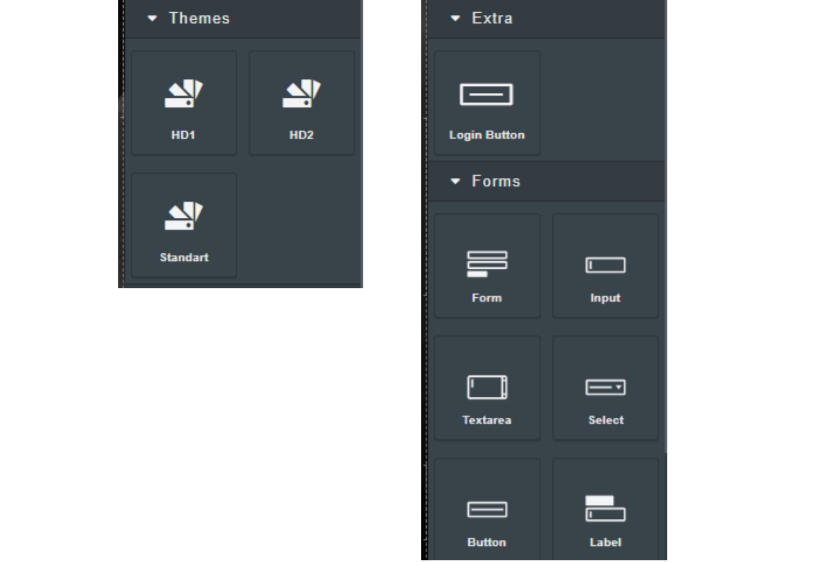
In this editor you will have a section on the right to include basic objects by dragging them to the preview on the left.
You can also switch between different predesigned topics, as well as include form fields.